Describe it. See it.
The LusyChat image generator turns text into visuals in seconds. Portraits, scenes, fantasy art, photorealistic renders — all created inside the conversation, no separate tool required.

Every image here was described, not drawn
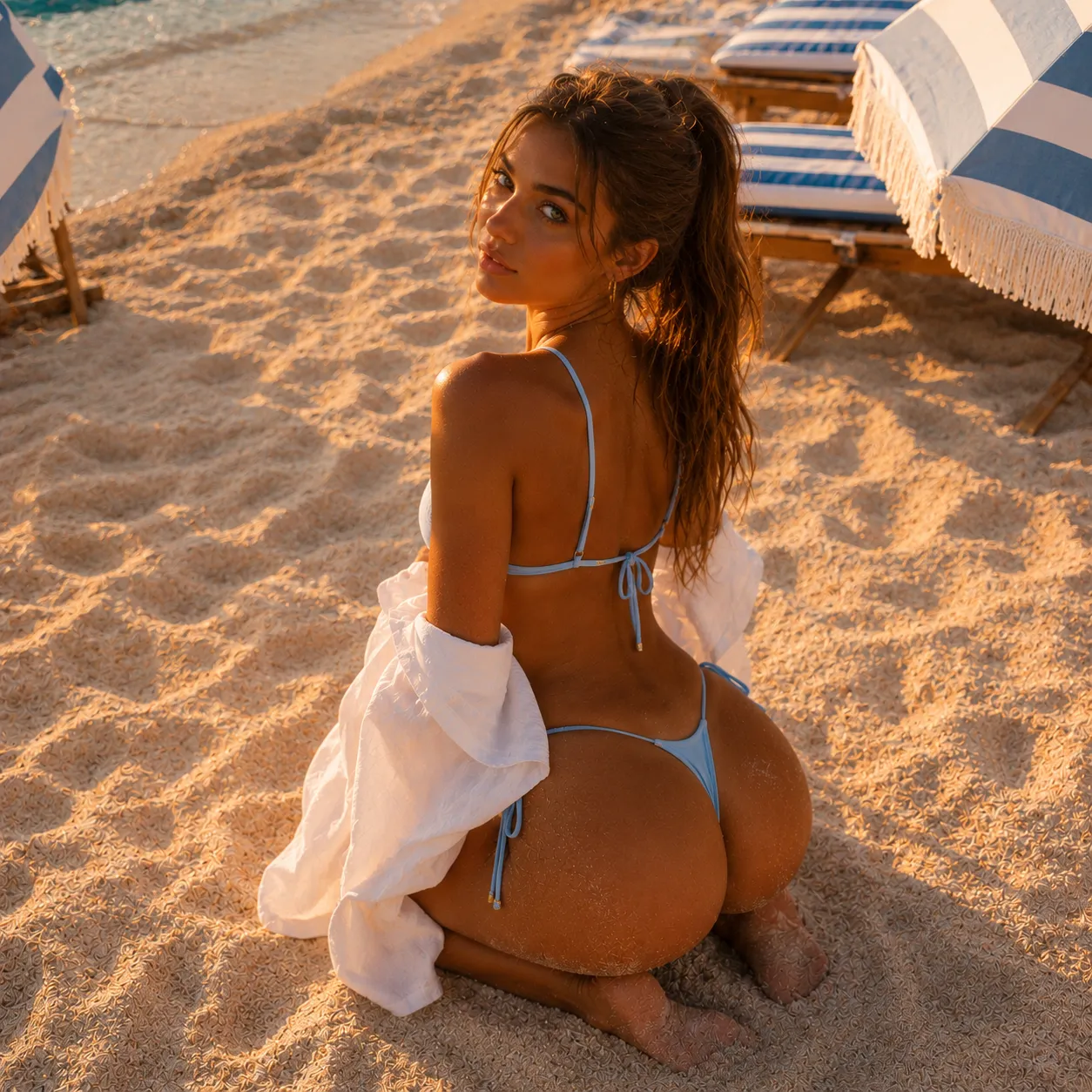
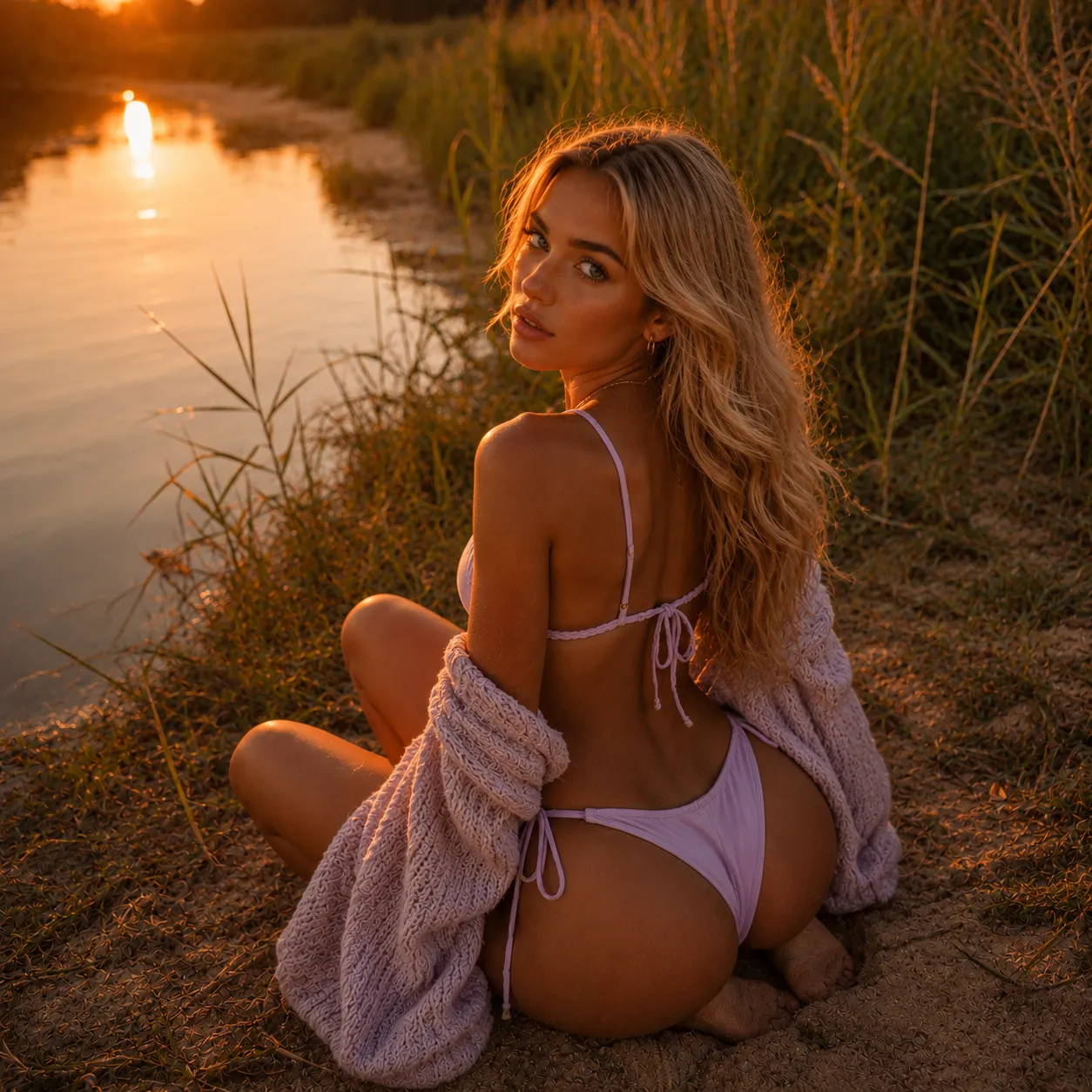
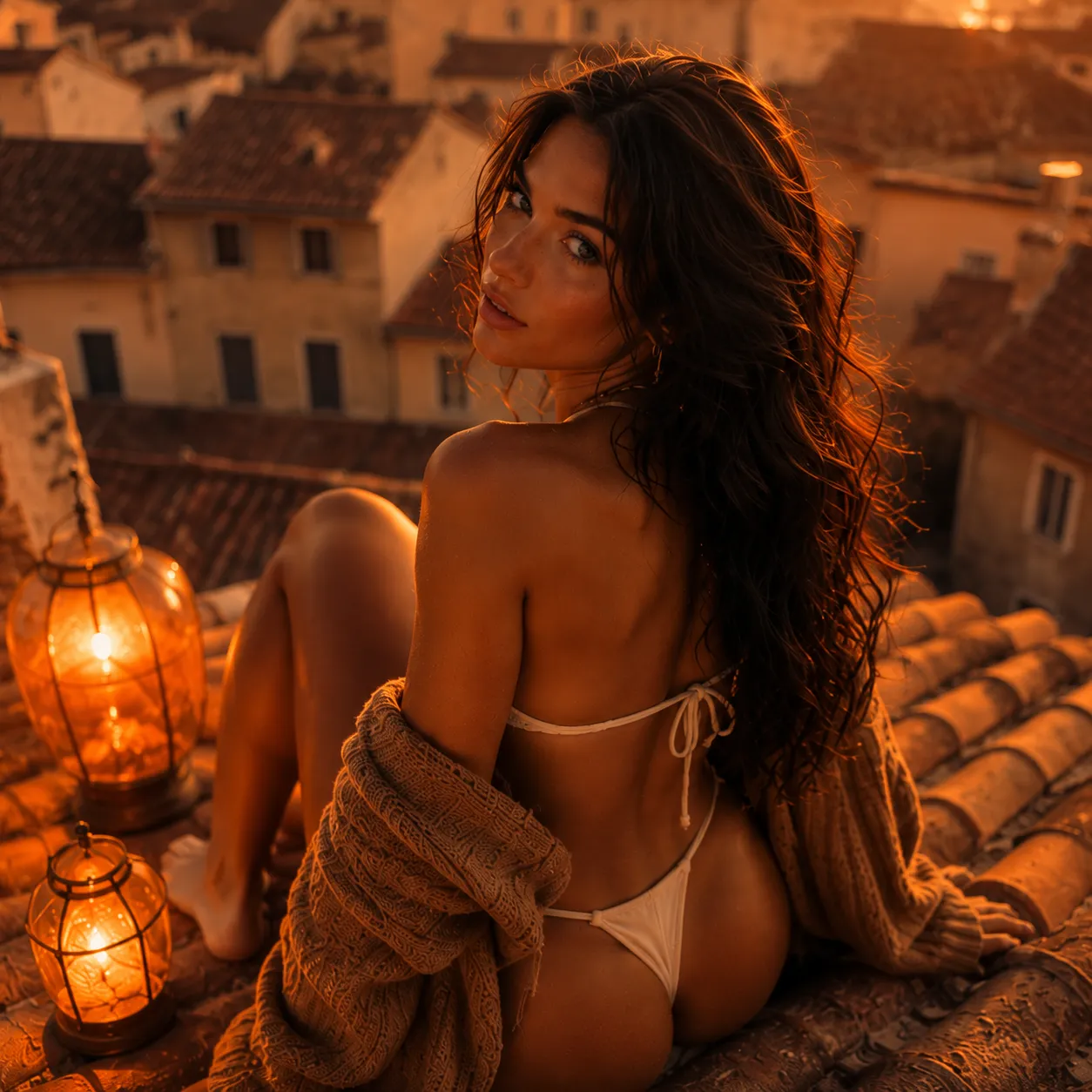
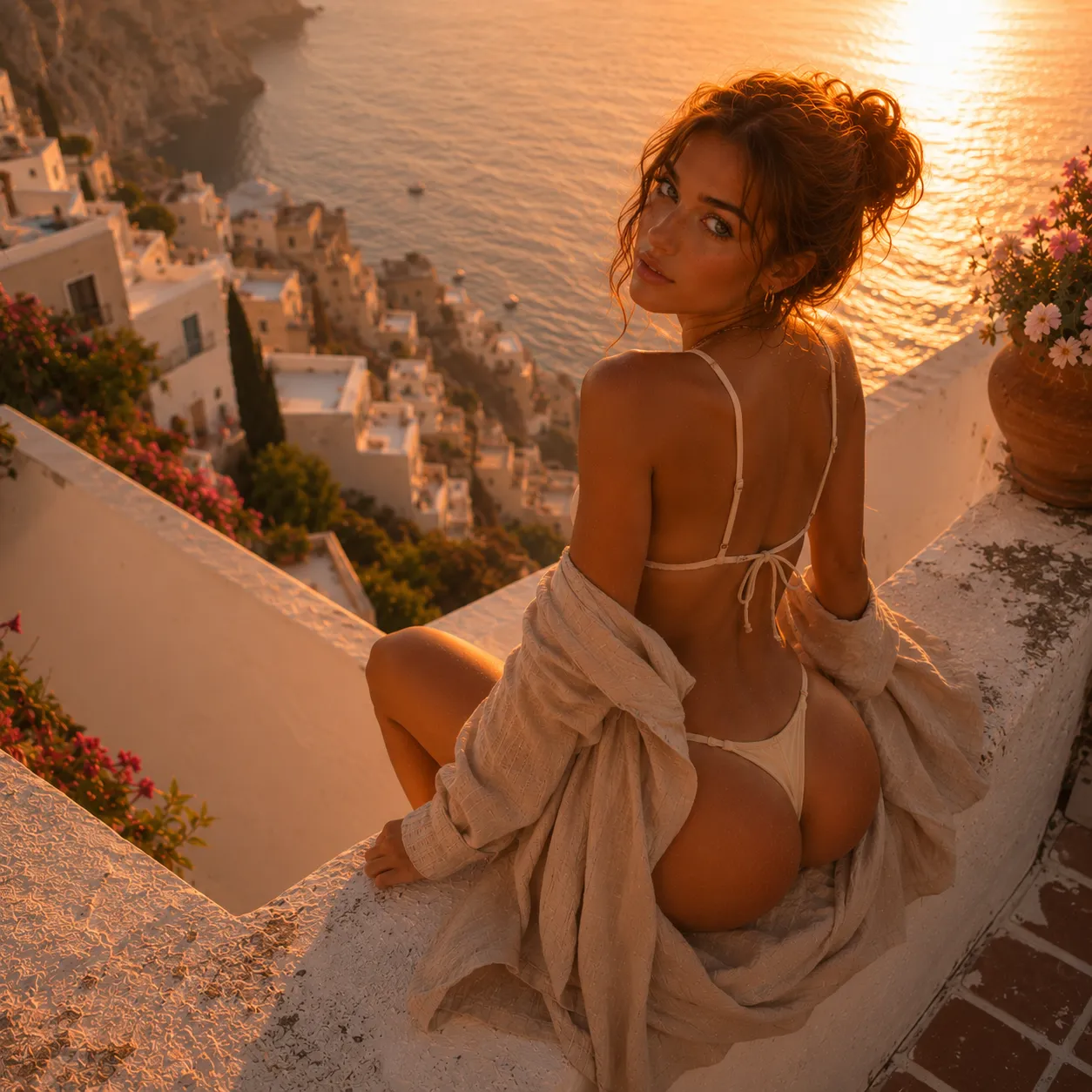

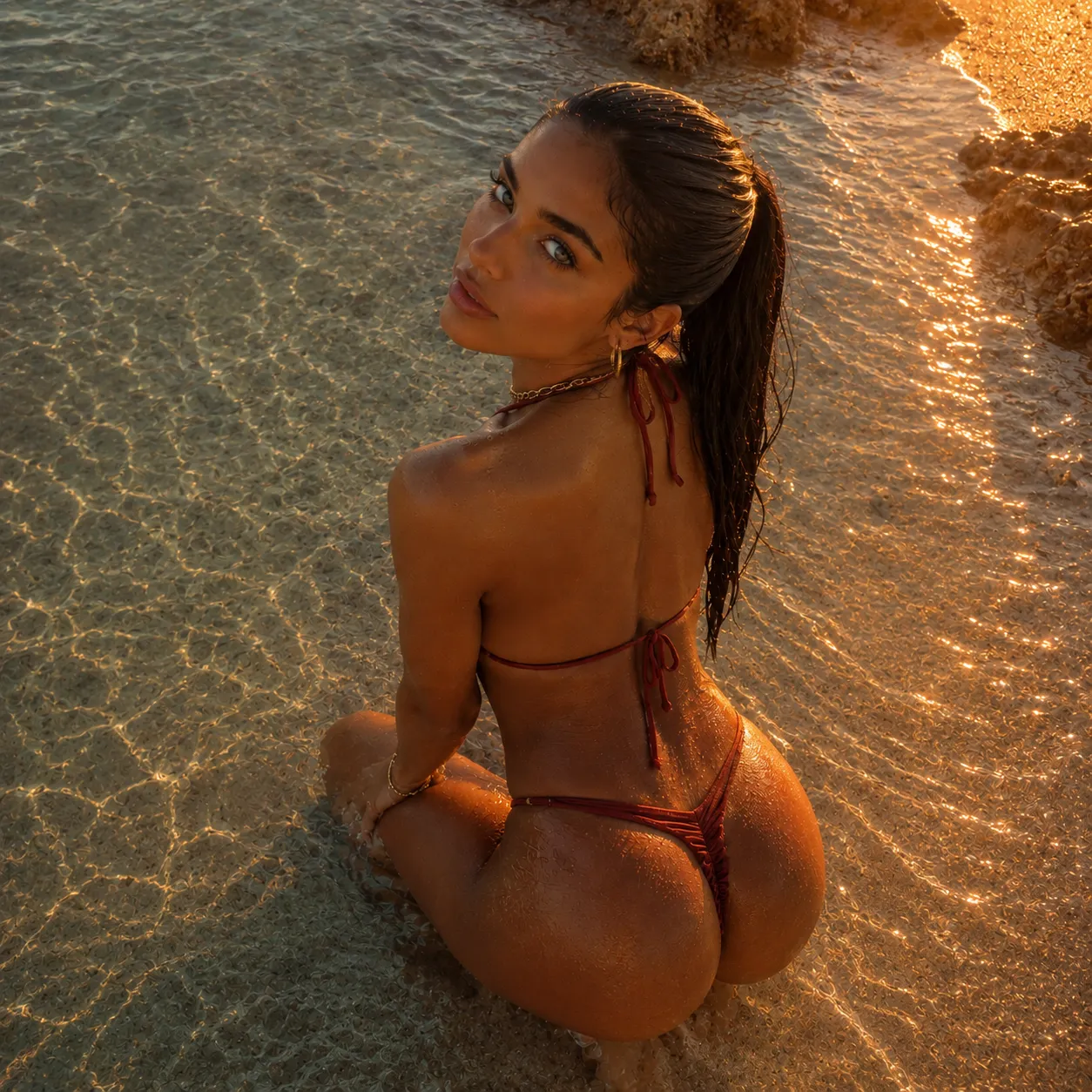
Images born from conversation
On most platforms the image generator lives in a separate tab. On LusyChat, image creation happens inside the same chat thread. Ask your companion to show you something and the visual appears inline — like receiving a photo in a messaging app.
Context matters. If you have been talking about a sunset over the Amalfi Coast, you can say “show me that” and the AI already knows what you mean.

From words to pixels in seconds
The diffusion engine handles everything from anime portraits to photorealistic renders. Style, mood, lighting and composition are controlled through your text prompt. Add optional tags for fine-tuning or just describe what you see in your head.
Free tier generates at 512–768px with no watermark. Premium unlocks 1024px and 2K upscaling for images you want to print or share.

Video clips, same workflow
Premium users can generate short video clips using the same prompt-based interface. Describe a moment and the AI produces a few seconds of motion — enough for stories, headers or mood boards.
The video engine shares the conversation context, so it pulls in character details and scene references you have already established.
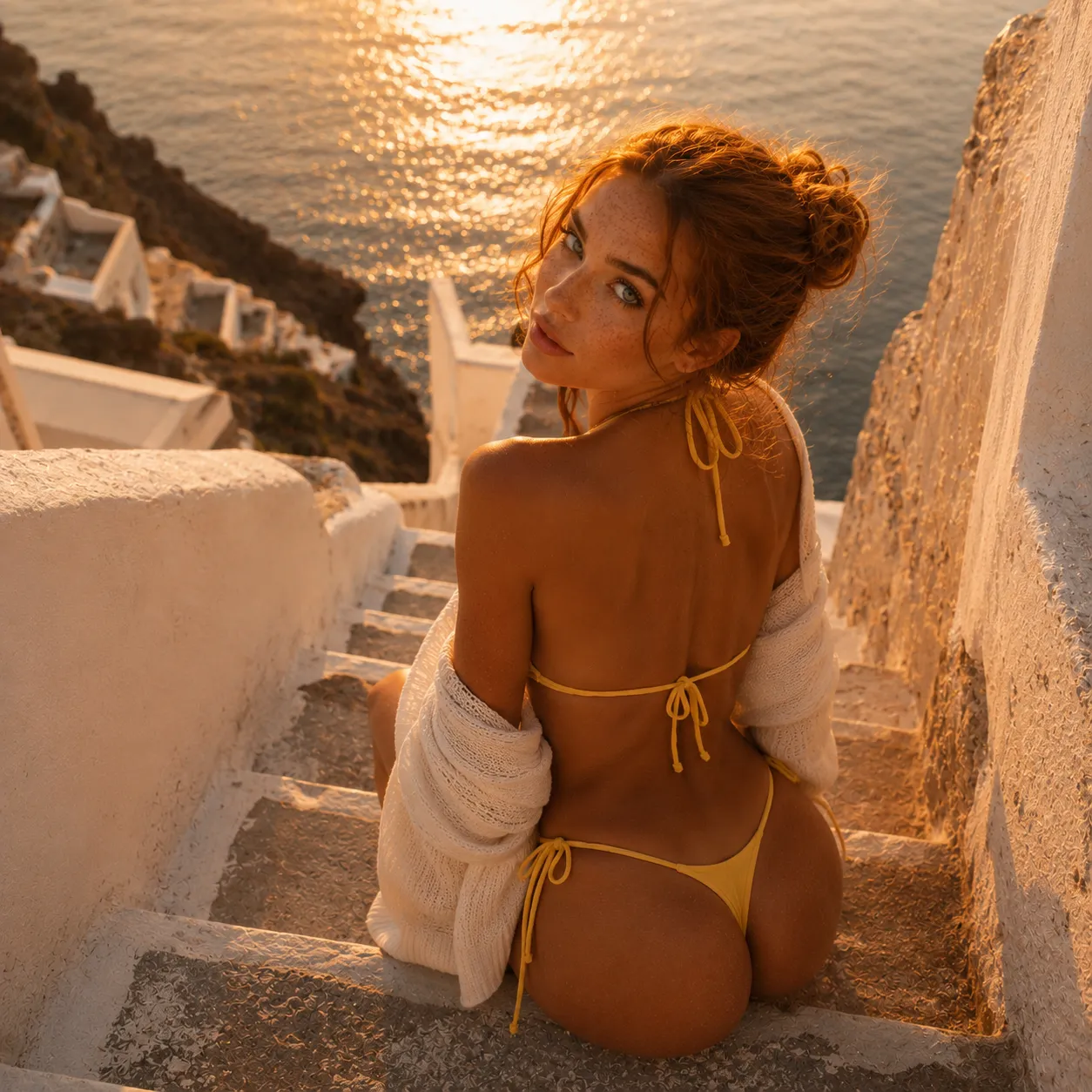
They asked for a picture. They got art.
I described a rainy Tokyo alley at night and the image looked like a still from a sci-fi film. Then I asked for a version with her standing in it and it just worked.
The fact that I can generate images inside the chat instead of switching apps is what keeps me on LusyChat. Everything stays in one thread.
Tried the video generation on a whim and it captured the vibe I described. Five seconds of a sunset over water. Not bad for a text prompt.
Everything about the image generator
Create your first image now
No card, no watermark. Describe something and see what the AI builds.
What would you create?
One description. A few seconds. Something that did not exist until you asked.
Start Creating